 CTrackAI
How can you get meal ideas from what is already in your fridge?
Open CTrackAI's fridge scan and take a photo of your open fridge or pantry. The app suggests meal ideas that use what you already have and fit your goals. Pick one, cook it, then log the finished plate with a photo so its calories and macros land in your diary.
How do you use fridge scan, step by step?
- Open fridge scan in CTrackAI.
- Snap your open fridge or pantry so shelves and labels are visible.
- Browse the meal ideas that use what you have.
- Cook, then snap the finished plate to log it. Check the numbers, adjust any item, and save.
How do you get better ideas from a fridge photo?
- Open drawers and move tall items so smaller foods are not hidden behind them.
- Scan the pantry too if staples such as rice, pasta or tins live there.
- Use good light so labels are readable.
How do you check the nutrition of a single ingredient?
For packaged ingredients, scan the barcode to get the product's nutrition facts. For fresh foods, the USDA's FoodData Central database lists nutrient values for individual foods [1]. Remember that label values refer to one serving [2].
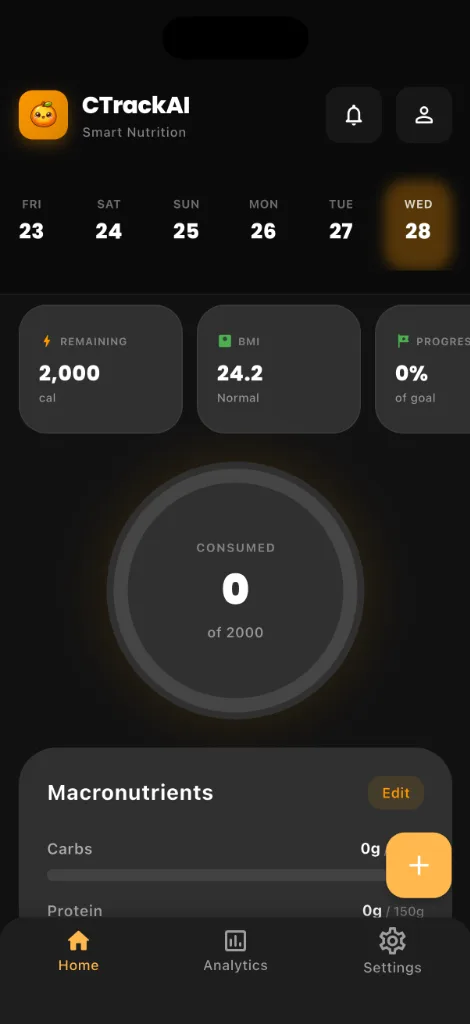
How CTrackAI helps
Fridge scan turns a photo of your fridge or pantry into meal ideas that use what you have. When the meal is ready, the AI food scanner logs it with a calorie and macro breakdown for every item.


Frequently asked questions
Does fridge scan work with a pantry too?
Yes. Snap your fridge or pantry and get meal ideas that use what you have.
Is fridge scan free?
Fridge scan is an AI feature. On the free plan it unlocks with a short ad, up to 5 AI scans a day. Premium removes ads and adds unlimited scans.
How do I log the meal I cooked?
Snap the finished plate with the AI food scanner, or say what you ate. Check the numbers, tap any item to adjust it, and save.
Related guides
Sources
Health note: CTrackAI is a general wellness tool. Photo results are estimates, so check the label when precision matters. It is not medical advice. Talk to a doctor or registered dietitian before changing your diet, especially if you are pregnant, under 18 or living with a medical condition.
About this guide: Published by CTrackAI. It was drafted with AI assistance from the CTrackAI App Store listing and the sources above.